CreatorPAD
CreatorPAD
CreatorPAD Software

A relaxed, tactile way to use your computer.

Work in a position that suits you. Get help without breaking your flow. Make your gamepad work your way.

Ask about what’s on your screen, or control your Mac with a gamepad you already own.

Join Early Access

No CreatorPAD subscription required.

Choose how you interact.

Control from a position that suits you Use a compatible gamepad you already own to navigate and review from a more relaxed position. Build a layout around the shortcuts you use, then extend it with AI-assisted scripts.
Get answers without switching apps Ask about what’s on your screen by voice or text. See Talk in action

Speak when it feels easier Dictate a thought or short message when speaking is more convenient.

Return to what you captured Capture your screen, voice, or system audio, then find and review the resulting files in Action Log.

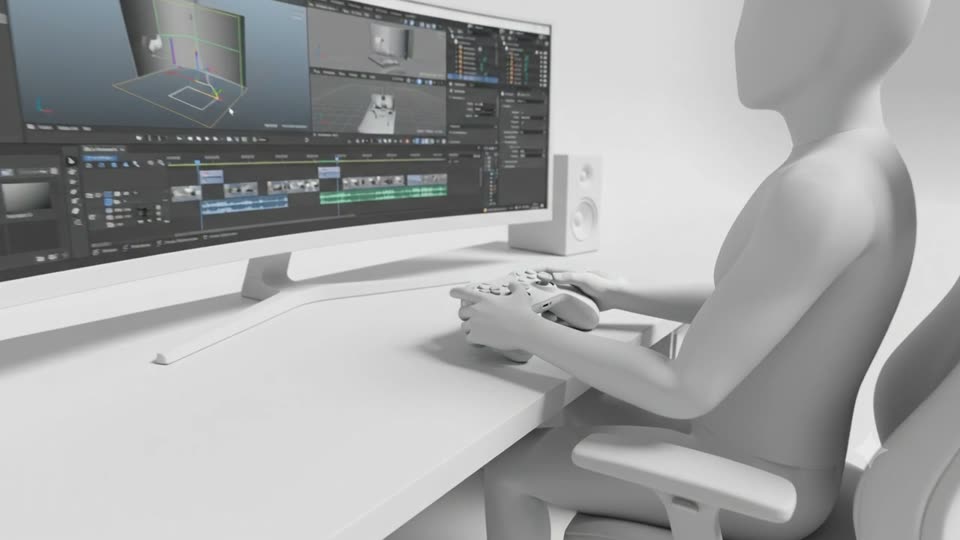
Illustration of a person using a gamepad at an editing timeline

Review a cut with a gamepad Use a mapped trigger to scrub through your timeline, then go back to the mouse for a precise edit.

Turn a thought into text Say a quick note out loud and see it appear where you’re typing.

Save a reference for later Capture the part of your screen you want to keep, then find the screenshot in Action Log.

CreatorPAD talk

Ask about what’s in front of you.

Speak or type in CreatorPAD Talk. Read the answer in a floating bubble beside your pointer, then find it again in Action Log when you need it.

Mouse & keyboard Gamepad

Why I built CreatorPAD

Some tools feel like second nature. I first felt that ease with a gamepad I found on my shelf. My fingers knew where to go without looking down. That muscle memory sparked a bigger idea: make using a computer feel more natural.

Read my story

Be part of CreatorPAD Early Access.

We’ll email you the free Mac download link when it’s ready.

Join Early Access Compare editions

Windows version in development. Get updates.